
Popcorn and Corn cursor
0Free
Cute Popcorn and Corn cursor in our adorable custom cursors collection with Kawaii.
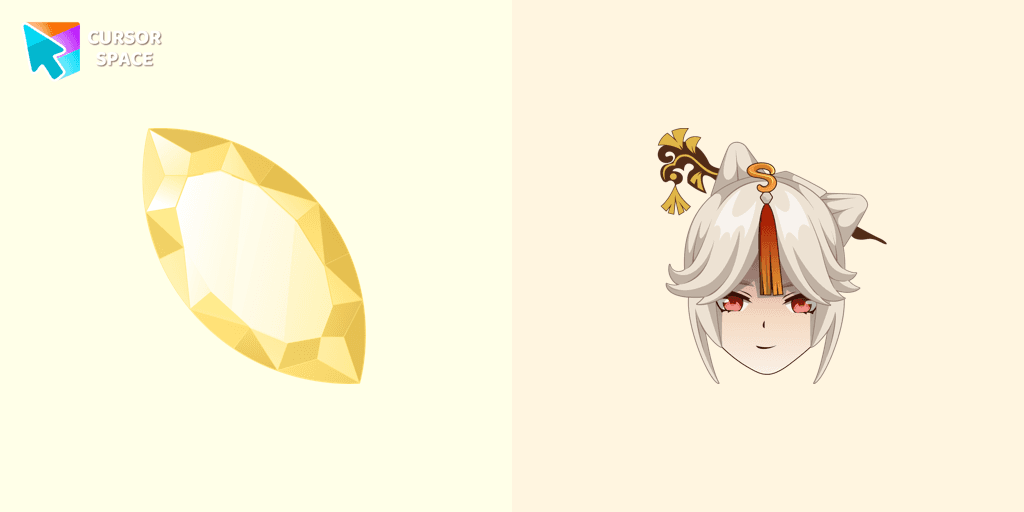
Want to enhance your browsing experience with a touch of elegance and power? The Ningguang Cursor from Custom Cursor for Google Chrome is the perfect addition to your collection! Inspired by the brilliant and sophisticated Tianquan of Liyue from Genshin Impact, this cursor embodies wealth, wisdom, and an unshakable presence.
With its sleek and luxurious design, this character cursor transforms your standard mouse pointer into a symbol of authority and charm. Whether you admire Ningguang’s strategic mind or her dazzling aesthetic, this fantasy cursor is a must-have for fans of the game.
Designed with magic style, shimmering gold accents, and an air of mystery, this cartoon cursor brings a colorful and fun twist to your browsing. It’s perfect for those who love a themed cursor that stands out—ideal for casual users and hardcore gamers alike.
Why choose the Ningguang Cursor?
Upgrade your browser cursors and bring magic, stars, and beauty to every click! Download the Ningguang Cursor today and let your pointer shine like a priceless jade!
Install the Cursor Space extension for Chrome or Cursor Space for Edge in your browser.
On this page, click "Add this cursor pack to the extension".
Open the extension and go to the Packs tab.
Find the custom cursor pack "Ningguang Cursor" and click it.
Enjoy!
Get this cursor pack and thousands of others by installing our extension. It's fast and free!
Ningguang Cursor is a themed cursor pack you can add to your browser to personalize your pointer across common cursor states (default and pointer). Use it for everyday browsing, streaming, studying, or gaming-anywhere you want your cursor to match your vibe.
See how the cursors look before installing.
Add the pack to the extension in a few clicks.
Designed for Chrome and Edge via the extension.
Quick answers to common questions about cursor packs, collections, and installation.
Yes. To apply cursor packs in Chrome or Edge, install the Cursor Space extension and add this pack to it.
Cursor packs are designed for Chromium browsers like Chrome and Microsoft Edge.
Open the extension, choose another pack or disable the current one to return to your default cursor.
Custom cursor and packs - neon, anime, pixel art. Quickly add to Chrome and Microsoft Edge for free
Cute Popcorn and Corn cursor in our adorable custom cursors collection with Kawaii.
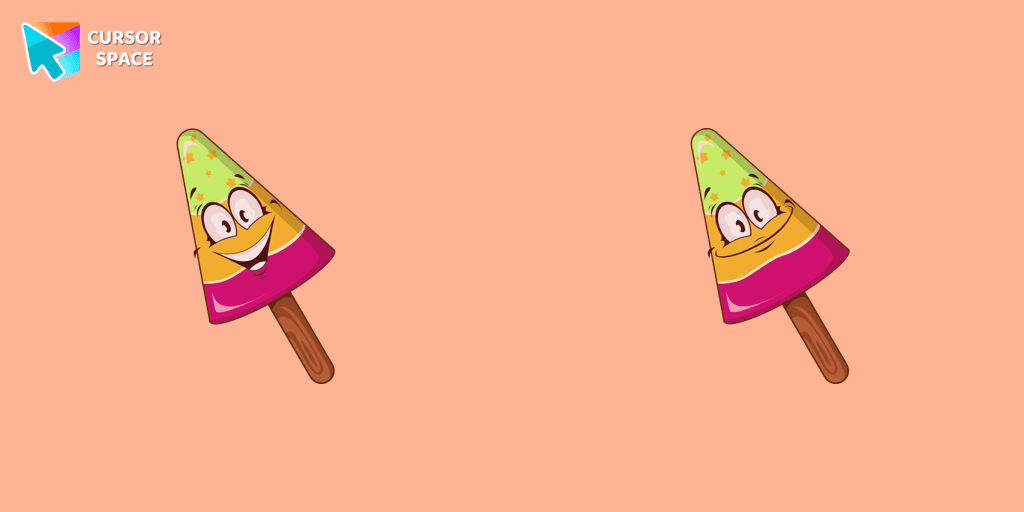
A cute cursor with a fruit ice cream will decorate your browsing the web with smiley ice cream. Enjoy our custom cursors collection with funny desserts.
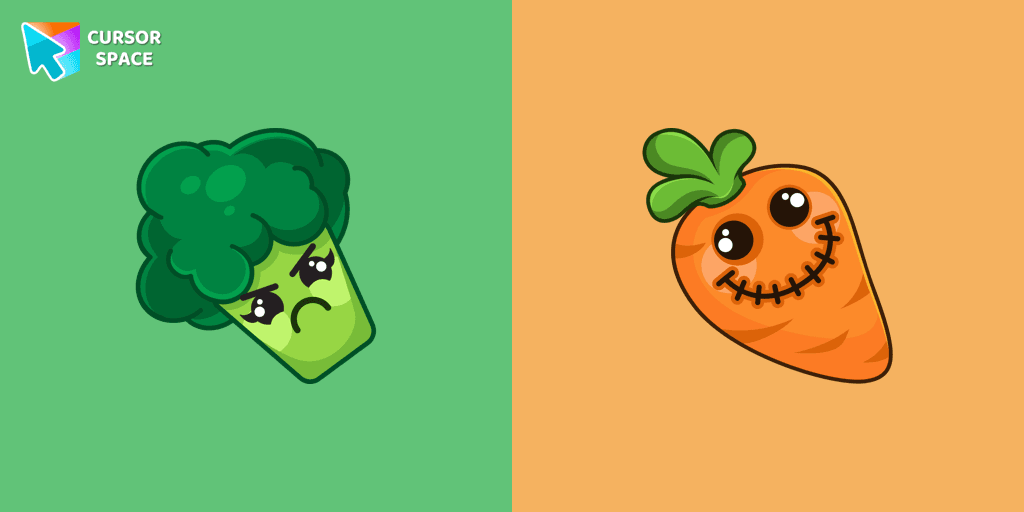
Sullen broccoli as a mouse cursor and a hover pointer with a funny carrot.
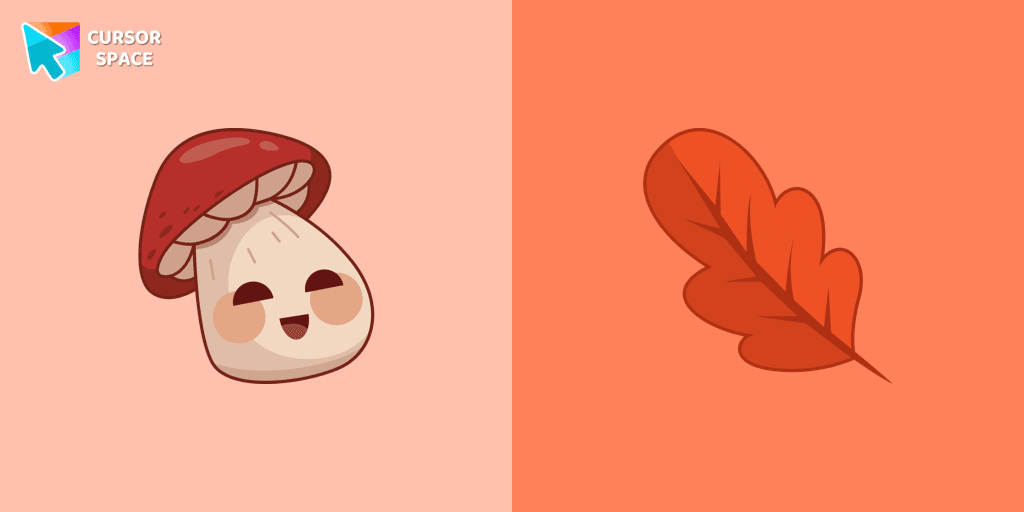
There is a custom cursor with a Porcini and oakleaf as a hover in a set of kawaii cursors for Chrome.
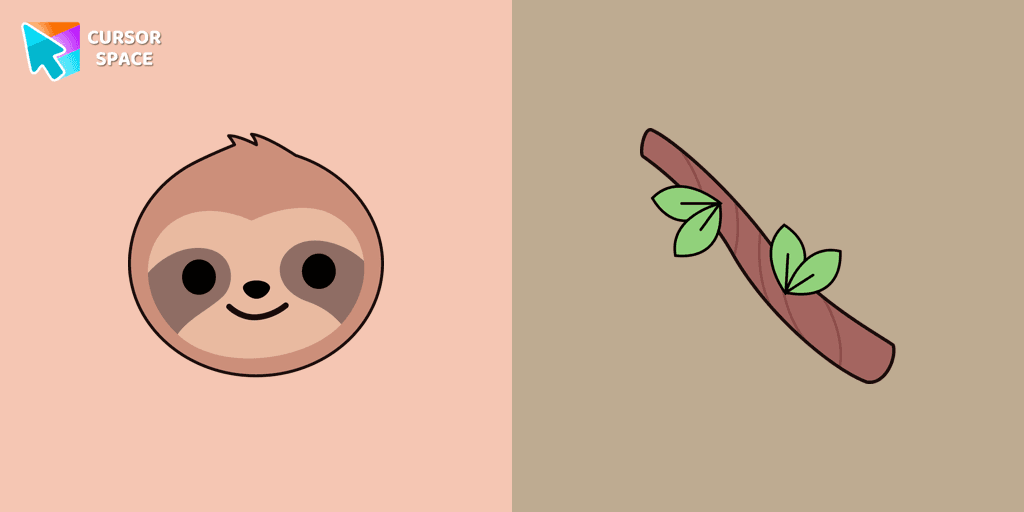
Add a Baby Sloth cute cursor from our custom cursors collection for mouse and pointer in kawaii design.
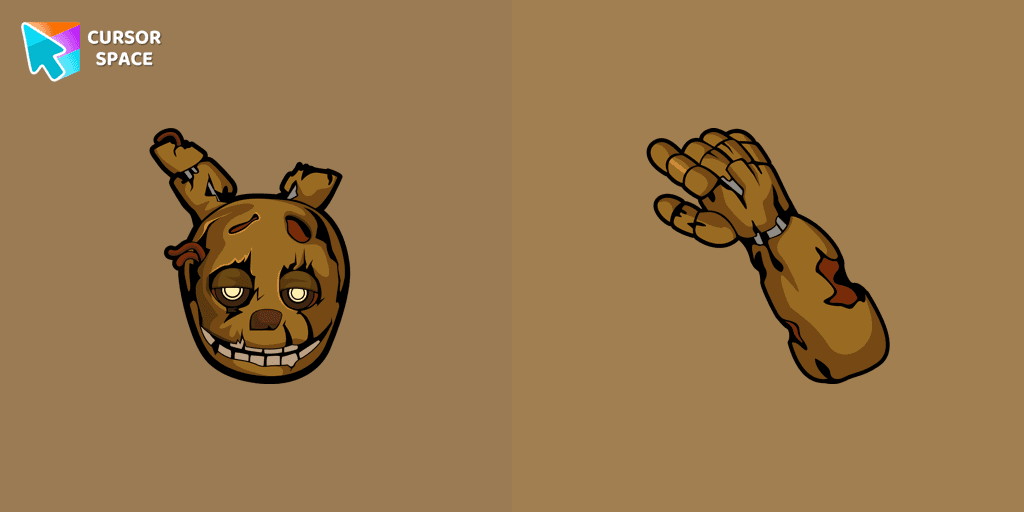
Lightly worn Springtrap from our Five Nights at Freddy's custom cursors collection for Chrome.
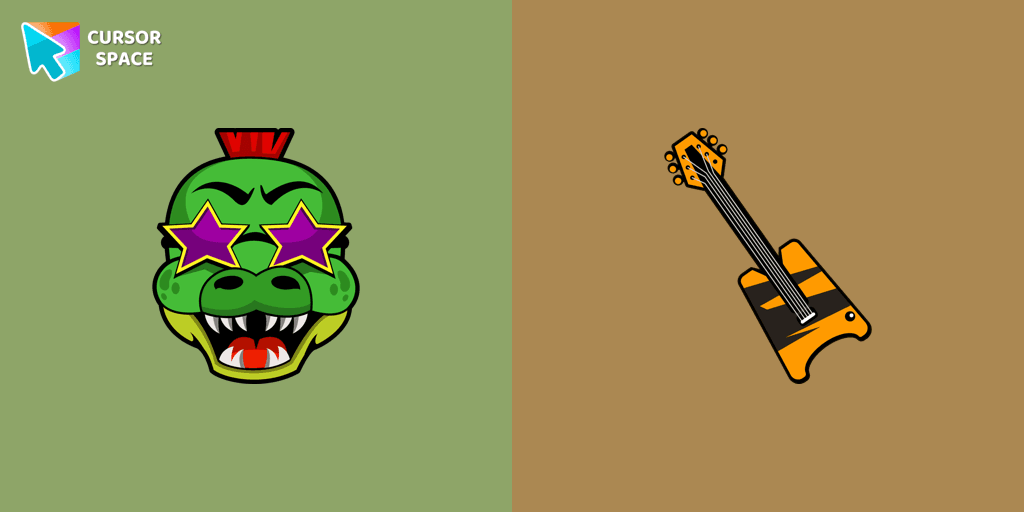
Montgomery Gator cursor for mouse and custom hover pointer with bass guitar in Five Nights at Freddy's collection of custom cursors.
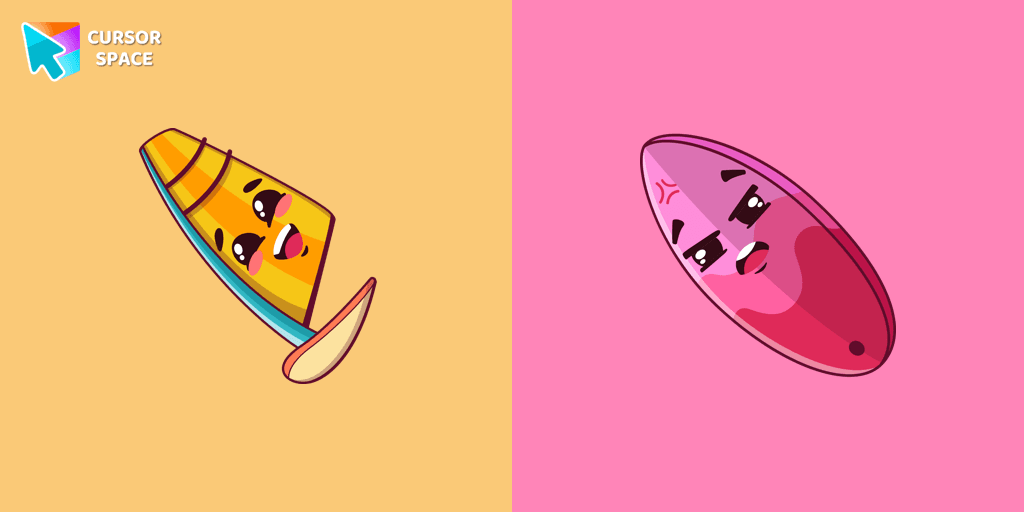
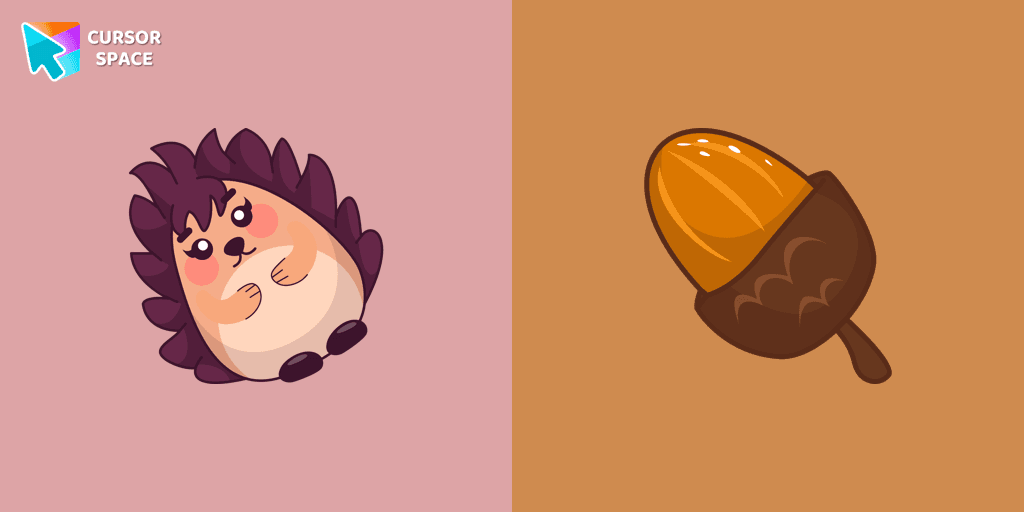
Kawaii Hedgehog cute cursor for a mouse and acorn hover comes together with the custom cursor with Kawaii Hedgehog.
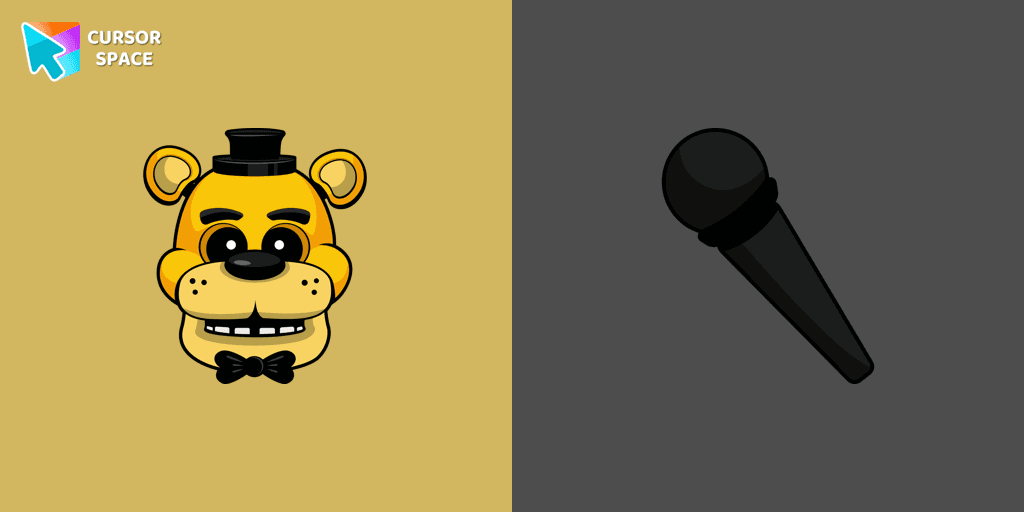
In our custom cursors collection Five Nights at Freddy's, we have illustrated a Golden Freddy as a custom cursor for the browser in a nice art.
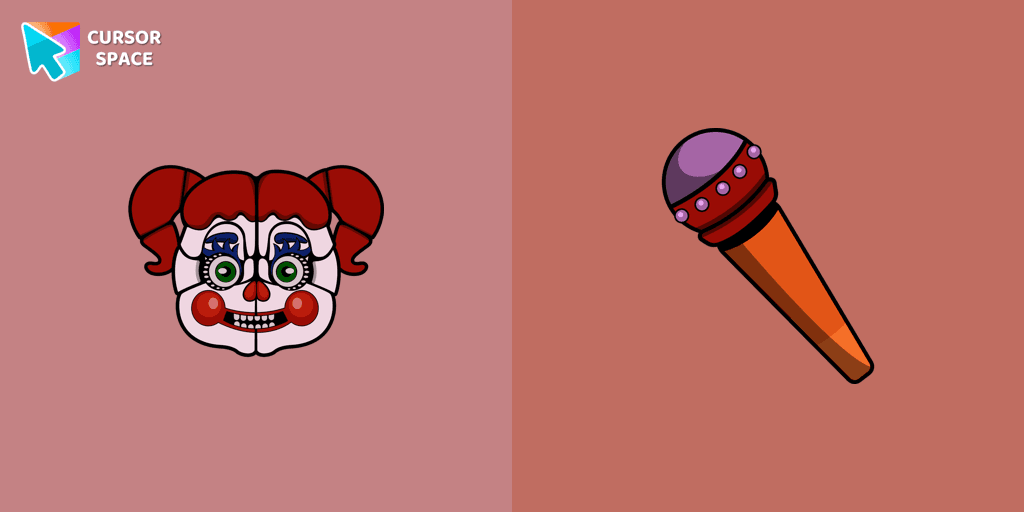
Change the default cursor to Circus Baby, you are welcome to our collection of cursors in Five Nights at Freddy's in various arts.
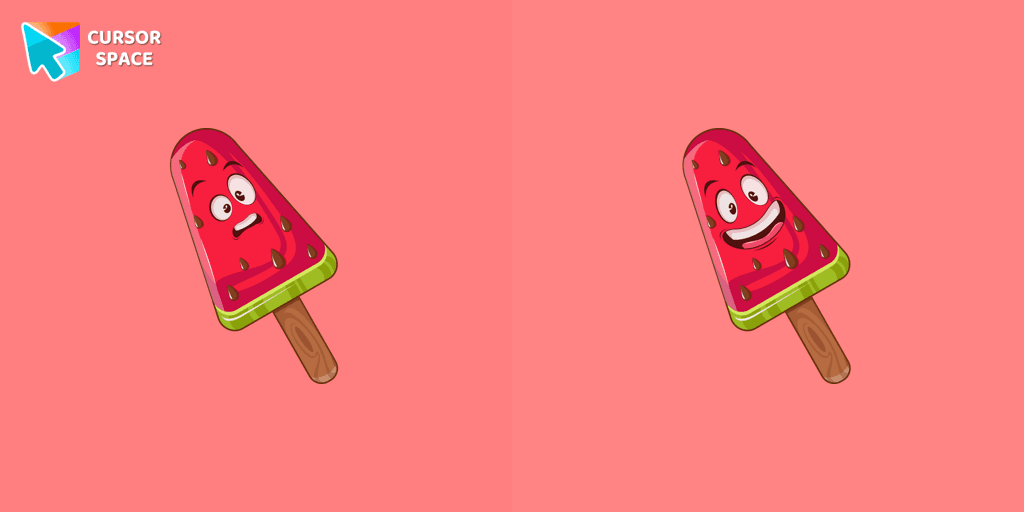
Lovely dessert watermelon ice cream as a custom cursor for mouse and pointer is presented in our sweet ice cream custom cursors collection for Chrome.
Installation leaders from "Colorful Custom Cursors": free packs, neon/anime/pixel art, quick add to Chrome and Edge.

Enhance your browsing experience with the Custom Mint Cursor, a calming personalized cursor symbolizing harmony, renewal, and inner balance.
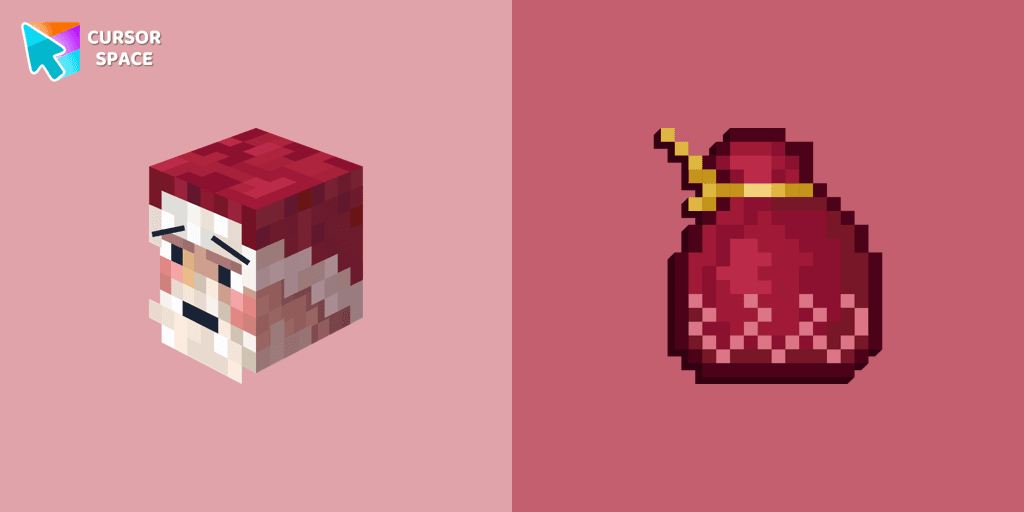
Improve your browsing experience with this playful custom cursor that turns your pointer into a cheerful Santa Claus, adding a festive touch. Embrace the holiday spirit!

Enhance your desktop with the "Empty Butterfly Green" custom cursor set. Experience vibrant butterfly designs that bring a unique flair to your screen.

Elevate your browsing experience with a purple custom cursor, infusing your screen with a sense of mystery, creativity, and uniqueness.

Illuminate your screen with a vibrant, energetic custom cursor in orange. Boost creativity, capture attention, and enhance your browsing experience!

Immerse yourself in the dynamic realm of comics with our animated comic custom cursor, which brings visual storytelling to your screen and enriches your browsing experience with every move!

Replaces default cursor with Blue Cursor cute. Change the usual mouse to an amazing cute Blue Cursor cursors or download cursor
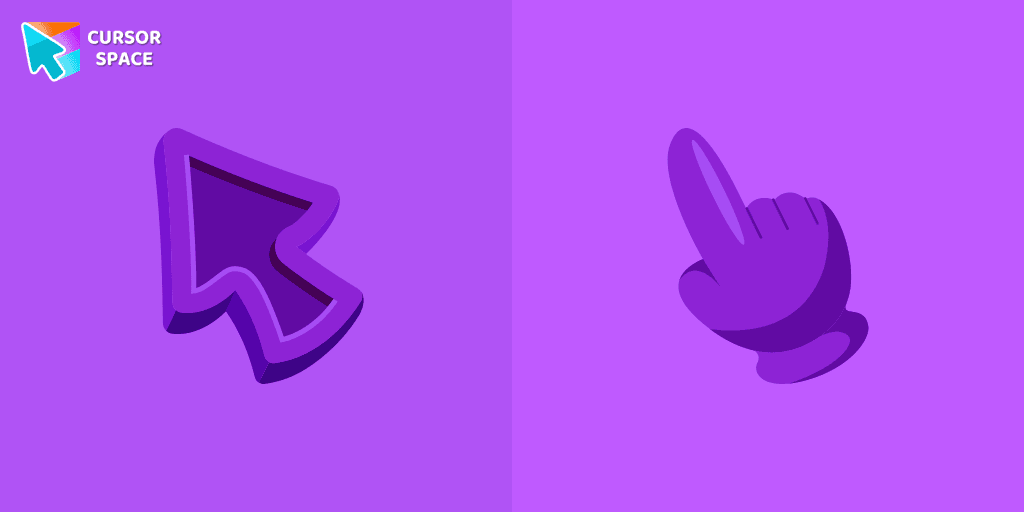
Enhance your Chrome browsing with Custom Cursor Space, a sleek purple cursor crafted to complement your style and elevate your online experience.

Upgrade your workspace with the Custom Green Minimal Cursor, a simple yet striking design symbolizing harmony, freshness, and positivity.

Upgrade your computer's interface with a stylish burgundy custom cursor, adding elegance, sophistication, and a personal touch to your browsing experience.

Replace the standard cursor with an adorable Black one. Transform the ordinary mouse into a stunningly adorable Black cursor or download a cursor of your choice.

Enhance your browsing experience with a charming white custom cursor! Swap out the standard pointer and showcase your style with delightful cursors for Chrome.
Add packs instantly and unlock access to thousands of cursors: neon, anime, pixel-art, and more. Fast, safe, and free.
Cursor Space is an extension for changing your mouse cursor in Chrome and Edge browsers: themed collections, HiDPI icons, neon, animated, and pixel cursors, with quick installation.